Why Pacing Is the Hardest Craft to Teach
Wistia's video engagement research consistently finds that viewers drop off faster in the first 60 seconds than at any other point — and the quickest-declining videos don't fail because of bad content. They fail because the rhythm is wrong. Viewers can't articulate it, but they feel it: cuts that arrive too late, sections that linger without purpose, energy that builds and deflates at the wrong place.
Across 10,000+ videos delivered at Mark Studios — YouTube longforms, brand ads, TikTok series, podcast clips — pacing is the craft variable that consistently separates senior editors from junior ones. Color grading has visual benchmarks. Sound design has LUFS targets. Pacing has neither. It lives in the subconscious, which is exactly why so few editors discuss it directly.
This post makes it explicit.
The Three Layers of Rhythm
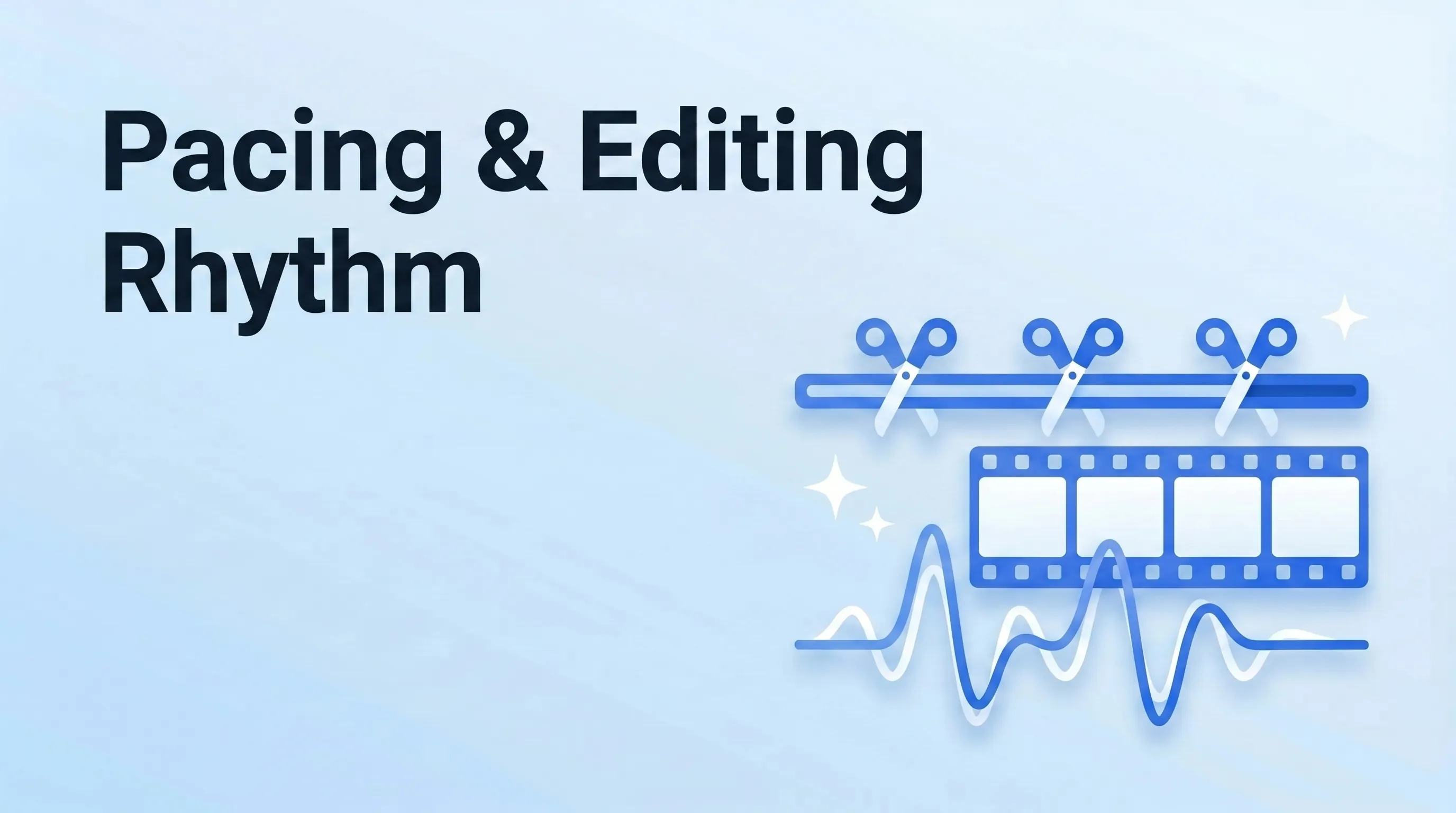
Pacing operates at three levels simultaneously. Most editors only work at one.
Macro pacing — the arc of the whole video. Where does energy build? Where does it release? A well-paced video has a shape: slow establishment in the first quarter, tension and stakes in the middle, resolution near the end. Videos that feel "kind of boring" almost always have flat macro pacing — equal energy throughout, which reads emotionally as no energy. This arc should be visible in how you structure your script before the first frame is cut.
Mid-level pacing — the sequence. Each 60–90 second section should have its own internal arc: a question raised, a complication, a payoff. Think of these as smaller waves inside the larger wave. If the macro arc is the story, mid-level pacing is the chapters.
Micro pacing — the individual cut. How long does each clip run before the edit? A tight dialogue cut should clip silence before the next word begins. A cinematic wide shot earns 3–4 seconds. A kinetic action beat cuts faster than intuition says.
Most editors focus entirely on the micro layer and ignore the other two. That's why their videos feel technically correct but emotionally flat.
Matching Cuts to Music
The fastest way to improve micro pacing: cut on the beat.
Every music track has a pulse. Every cut should land on or just before that pulse — not after it. Cutting late feels sluggish; cutting 1–2 frames early creates a snap that adds energy. This is inseparable from your audio mix: if you're side-chain ducking music under dialogue, the moment music surges back should sync with your strongest cut. Pacing and sound design live on the same timeline.
When to break the beat rule: in a talking-head section where dialogue drives everything, cut to thought breaks, not bar lines. Forcing musical beats on a conversation creates anxiety, not tension. The pro move is to beat-sync within pure B-roll sections, sentence-break within dialogue, and hit the transition between the two as precisely as possible.
For licensed music tracks built for sync editing, Epidemic Sound and Artlist both provide stem tracks — isolated percussion, melody, and atmosphere layers — that make beat-aligned editing far more controllable than a full mix.
The 45-Second Attention Reset
YouTube's own algorithm documentation is explicit that watch time and audience retention are primary ranking signals. The viewer behavior behind that data: most audiences need a visual or informational reset approximately every 45 seconds, or attention begins to drift — even if they don't click away.
A reset doesn't need to be dramatic. It's any moment that triggers mild re-engagement:
- A new visual element (B-roll cut, motion graphic, text overlay)
- A new audio layer (music shift, SFX hit, tone change)
- A camera angle or distance change
- A chapter break or new idea introduced
Pull up your audience retention curve in YouTube Analytics and look for gradual mid-video decay — not a cliff, just a slow slope downward. The diagnosis is almost always too many 60+-second stretches with no reset. Add one reset per 45 seconds to those problem zones and re-upload. The curves consistently improve.
TubeBuddy's research on high-retention videos finds that top-performing content averages a new visual or informational event roughly every 30–50 seconds — consistent with this reset interval across formats and niches.
Pacing Mistakes We Fix Most Often
After editing 10,000+ projects generating 200M+ views and $10M+ in attributable revenue for clients, these failures show up repeatedly:
| Failure | How viewers experience it | Fix |
|---|---|---|
| Clips running 2–3× too long | "This is boring" | Tighten every clip by 30–50%, rewatch cold |
| Uniform cut length throughout | Robotic, clinical, generic | Alternate: fast snaps (0.5s) vs slow breathers (4s) |
| No energy arc | Flat, easy to abandon | Music swell at 50–60% mark, compress final third |
| Cutting late on dialogue | Sluggish, like watching someone think | Clip silence before each sentence begins |
| Jump cuts with no visual break | Jarring, unpolished | Insert B-roll or graphic between same-angle cuts |
| Final section same pace as opening | Anticlimactic | Increase cut frequency by 20–30% in the final quarter |
The most common: clips running too long. Every editor's instinct is to preserve context. The viewer's experience is that preservation equals boredom.
VidIQ's creator data shows that viewers who make it past the midpoint of a video are 4× more likely to subscribe — meaning the second half of your video is where retention converts to channel growth. Pace the back half tighter.
The Pacing Gate We Run Before Every Delivery
Before we ship any edit at Mark Studios, five checks:
- ✅ Distinct energy peak between the 50%–70% mark
- ✅ No single clip runs longer than 6 seconds except a deliberate slow moment
- ✅ One reset (visual, audio, or informational) every 45 seconds
- ✅ Dialogue cut tight — no hanging silence before the first syllable of each sentence
- ✅ Final 20% moves faster than the first 20%
Run this on any video that "feels slow" and you'll find at least two of these failing.
The Bottom Line
Pacing is what makes viewers feel things without knowing why. It isn't one technique — it's three simultaneous rhythms working together: the arc of the whole video, the shape of each sequence, and the timing of every cut. Build the habit of auditing all three levels before delivery, and the "something's off but I can't explain it" notes from clients and viewers stop coming.
If you want our editors to bring this framework to your channel, it runs on every project we deliver.