Why Branding Is the Hidden Compounding Asset
After working on 10,000+ video projects, the channels that grow consistently over years (vs. spike and stall) all have one thing in common: a recognizable visual identity. A viewer can scroll past their thumbnail, recognize it instantly as theirs, and click without reading the title.
According to Lucidpress's 2024 brand consistency study, consistent branding lifts revenue by 23% on average across content businesses. For YouTube specifically, channels with strong branding earn 2–3× the brand-deal rates of unbranded channels of the same size.
This is the framework we use when building a brand identity system for client channels.
The Six Components of a Channel Brand System
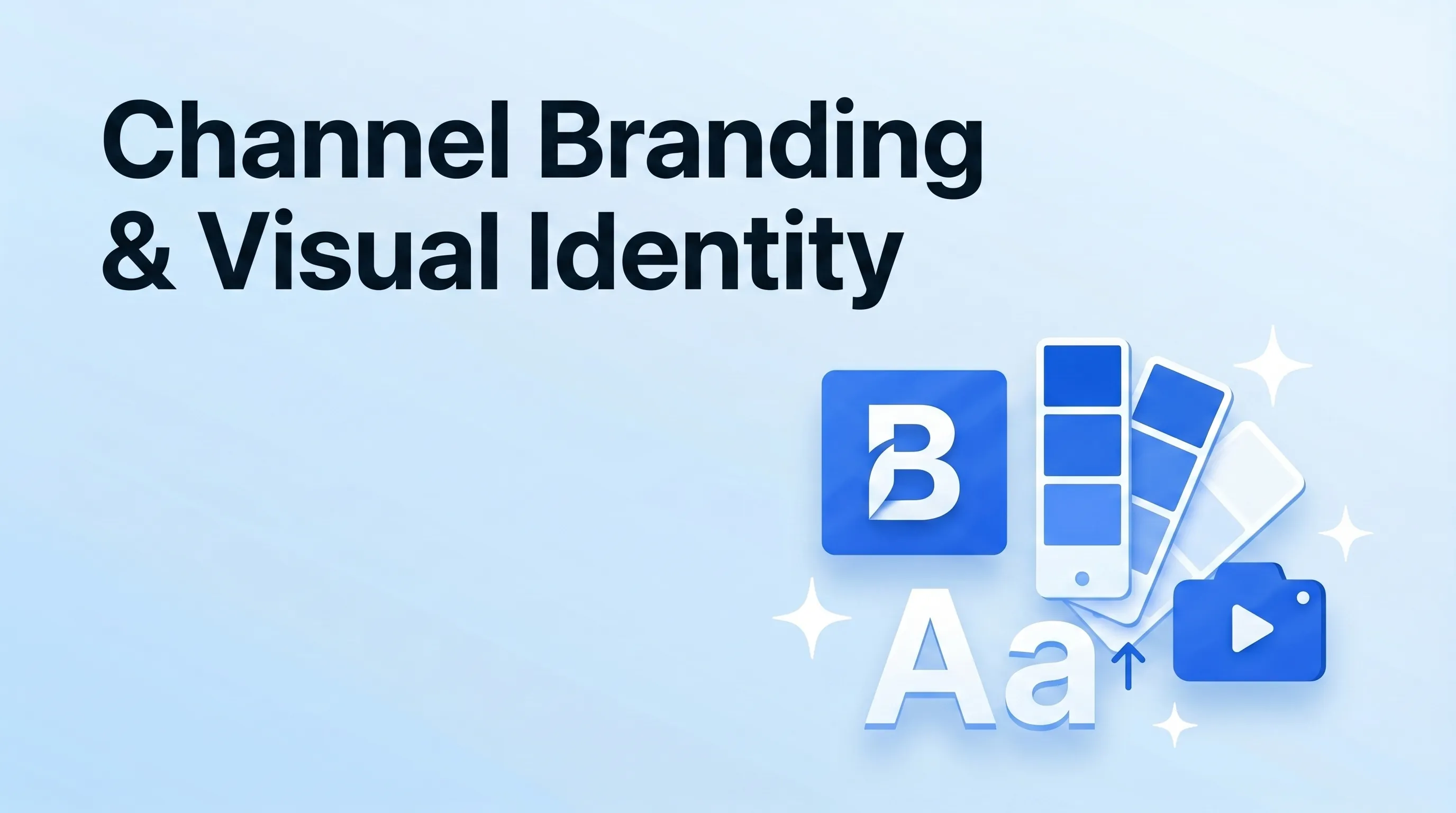
A complete brand system has six elements. Most creator channels have 1–2; building all six creates the visual coherence that compounds.
1. Logo & Wordmark
Two formats minimum:
- Primary logo — used on banner, business cards, premium placements
- Channel avatar — usually a simplified mark that reads at 32×32px (because that's how small the YouTube subscriber-feed icon shows)
The trap: most creators design only the primary, and the channel avatar is just the primary shrunk down — which becomes illegible at small sizes. Design the avatar separately, optimized for 32px display.
Tools: Figma (free), Canva Pro, or hire on 99designs ($300–$1,500 for a logo system).
2. Color Palette
Three colors minimum, five maximum:
- Primary — the dominant brand color (shows up on thumbnails, channel banner, intros)
- Secondary — supports primary, used for accents
- Neutral — text and background base (usually a near-black + a near-white)
- Optional accents (1–2) — pops of contrast for CTAs or emphasis
The trap: too many colors. A 7-color palette gives the editor too many choices and the channel ends up looking inconsistent. Three is plenty.
Coolors, Adobe Color, and Khroma all generate harmonious palettes from a starting color.
3. Typography System
Two fonts maximum:
- Display font — used for thumbnails, lower-thirds, big text moments. Bold, distinctive.
- Body font — used for channel descriptions, video text overlays, captions. Legible at small sizes.
Free font sources: Google Fonts, Adobe Fonts (included with Creative Cloud), Pangram Pangram (premium, professional).
Don't use trendy display fonts that age fast — pick fonts with proven design history. Inter, Plus Jakarta Sans, Söhne, Untitled Sans, Editor's Note are all 2026 favorites that won't look dated in 3 years.
4. Thumbnail Template System
Not just one template — a system. Three template "buckets" we recommend:
| Template | Use for |
|---|---|
| Tutorial | How-to videos. Subject + product + numbered indicator |
| List | Listicle / countdown videos. Subject + bold "TOP 5" or similar treatment |
| Reaction / Personality | Personality-driven videos. Subject's face + emotional reaction |
Each template has fixed positioning for face, text, and accent elements. Editors swap content; structure stays consistent. This is what makes a channel's thumbnails recognizable as a set.
See our thumbnail design CTR guide for the design rules within each template.
5. Motion Graphics Pack
The animated assets that appear in every video:
- Channel intro animation — 3–5 seconds, only on long-form videos (Shorts skip the intro entirely)
- Lower-third name tags — animated speaker name graphics
- Section dividers — short transitions between video sections
- Sound logo / sting — 1–2 second audio + visual signature
- End-screen template — the last 20 seconds with subscribe CTA + suggested videos
Platforms to commission: Fiverr ($300–$1,500 for full pack), Motion Array ($30/mo for templates), or Envato Elements ($16.50/mo).
6. Asset Library Folder
All of the above lives in a single shared folder. Standard structure we set up for clients:
brand-assets/
├── logos/
│   ├── primary.svg
│   ├── primary.png
│   ├── avatar-32x32.png
│   └── avatar-256x256.png
├── colors/
│   └── palette.txt   (hex codes)
├── fonts/
│   ├── display.woff2
│   └── body.woff2
├── thumbnails/
│   ├── template-tutorial.psd
│   ├── template-list.psd
│   └── template-reaction.psd
├── motion-graphics/
│   ├── channel-intro.aep
│   ├── lower-third.aep
│   └── outro.aep
└── README.md   (usage notes)
A new editor onboards in 30 minutes when this folder exists. Without it, every video starts with "where's the logo file" — a friction point that compounds across hundreds of videos.
Common Branding Mistakes
Patterns we see across DIY-branded channels:
- Inconsistent thumbnail templates — the channel looks like a different channel every video
- Logo on every thumbnail — eats real estate that could be used for hook text; logo placement is for the channel banner, not every thumbnail
- Brand colors that disappear into YouTube's UI — dark blues + dark grays melt into the YouTube interface; pick a saturated yellow, orange, or saturated cyan to stand out
- Channel intro that's 15 seconds long — viewers skip past anything over 4 seconds; tighten or remove
- Outdated branding from 2020 — channels often launch a brand and never refresh; revisit annually
A 2-Week Brand Refresh Sprint
For an established channel with weak branding, a full refresh takes ~2 weeks of focused work:
| Week | Deliverable |
|---|---|
| Week 1 day 1–2 | Channel audit + competitor brand research |
| Week 1 day 3–4 | Logo + wordmark + color palette draft |
| Week 1 day 5 | Typography selection |
| Week 2 day 1–2 | Thumbnail template designs (3 templates) |
| Week 2 day 3 | Motion graphics commission / build |
| Week 2 day 4 | Asset library packaging |
| Week 2 day 5 | Channel banner + about page refresh + first video using new system |
After the refresh, the next 12 months of videos compound into a recognizable brand. The refresh is a one-time cost; the brand equity it builds runs forever.
The Brand Refresh Checklist
Before declaring a brand system complete:
- ✅ Logo readable at both 32px and 1080px
- ✅ Color palette tested against YouTube's UI (does it stand out in the feed?)
- ✅ Two fonts only — display + body
- ✅ Three thumbnail templates, each with face/text/element positioning fixed
- ✅ Channel intro under 5 seconds
- ✅ End-screen template ready
- ✅ All assets in a single shared folder with README
- ✅ Brand color and font codes documented (hex, font file links)
The Bottom Line
Channel branding is the slowest-compounding leverage point in creator marketing — and the highest-value over a 3+ year horizon. Channels with cohesive visual identity systems earn brand-deal premiums, retain audiences longer, and convert first-time viewers to subscribers at higher rates.
If you want our team to build a brand identity system for your channel — logo, colors, typography, thumbnail templates, motion graphics, full asset library — we run brand refresh sprints for clients in the $3,000–$15,000 range depending on scope.