Why Most Creator-Run "Teams" Stay Stuck at One Editor
The single biggest scaling challenge we hear from creators isn't growth — it's hitting a ceiling at 1–2 editors and never being able to get past it. The team works great until it doesn't, the founder is the bottleneck on every revision, and quality slowly drifts as the founder loses bandwidth to QA.
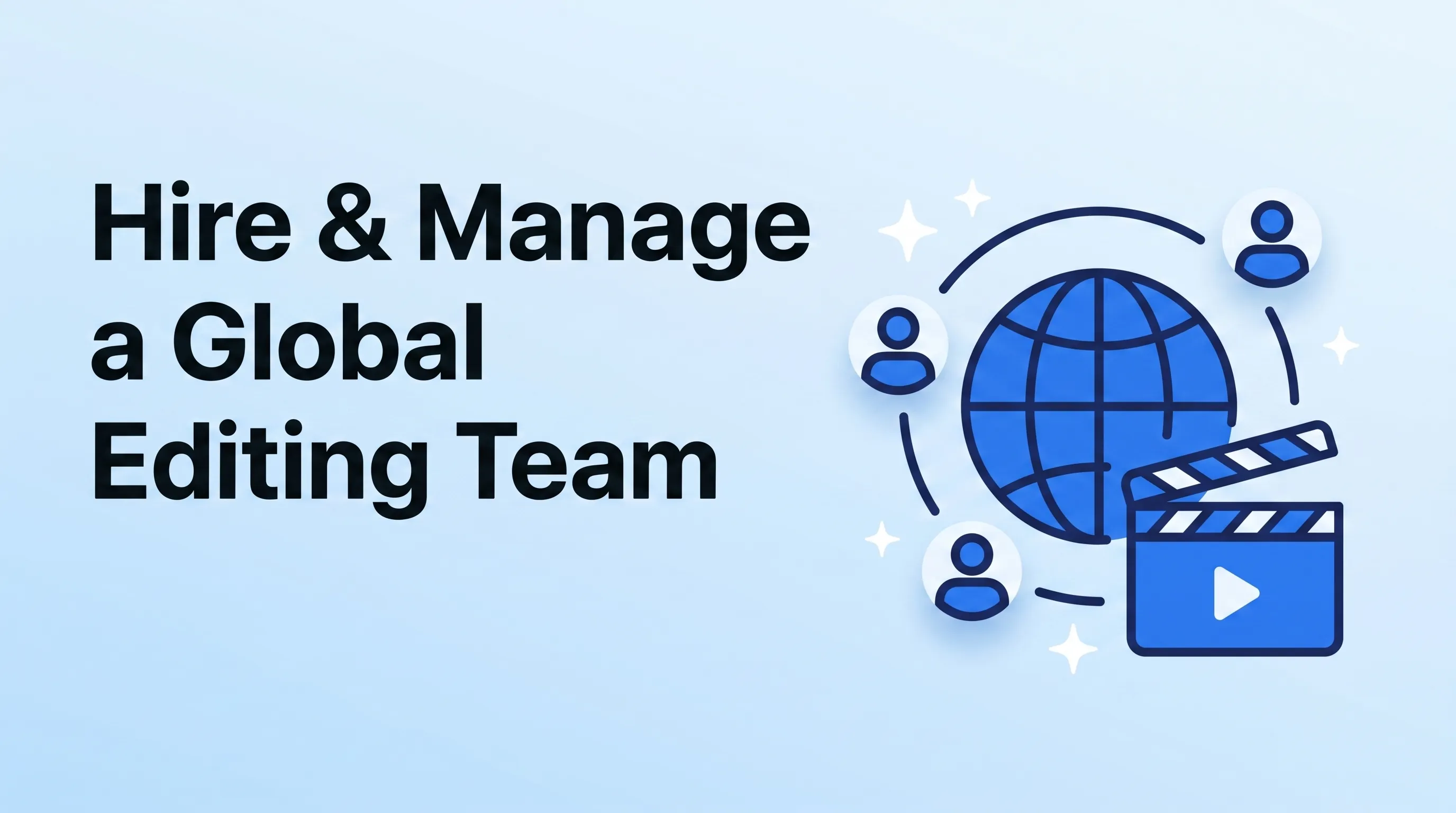
We've built and run a global editing team at Mark Studios across 10,000+ projects. The framework below is what's let us scale from 1 editor to a full operations team without quality collapsing. It works for creators looking to build a 2–3 person team and for founders building a real agency.
The Roles That Actually Make Up an Editing Team
A scaling editing team is not just "more editors." It's six roles, often split across people:
| Role | Function | When to hire |
|---|---|---|
| Lead Editor | Senior editor who sets style + approves cuts | Day 1 (often the founder) |
| Editor | Day-to-day cut work, owns timeline + delivery | Hire #2 (when you can't keep up) |
| Motion Graphics Designer | Animations, lower-thirds, text treatments | Hire #3 (~10 videos/week sustained) |
| Thumbnail Designer | Thumbnails + channel art + social graphics | Hire #4 (or earlier — thumbnails are different brain) |
| Project Manager | Brief intake, deadlines, client comms | Hire #5 (when you stop touching the keyboard) |
| QA / Reviewer | Final-pass quality check before delivery | Hire #6 (when you have 3+ editors) |
Most "teams" we audit have just an editor + a thumbnail designer. The PM and QA roles are the hidden multipliers — they unlock the founder to stop doing operations and start doing strategy.
Where to Find Editors (Ranked by Quality and Cost)
After 5+ years of hiring across our agency, this is the realistic ranking:
Top quality, top price ($30–$100+/hr)
- Personal referrals from other creators / agencies — single best source. Vetted, proven track record.
- Behance + Vimeo Staff Picks — find editors whose published reels you love, cold-email
- YouTube editor communities (private Discords, Twitter threads) — high signal, low search-cost
Mid-tier ($15–$40/hr)
- Working Not Working — curated freelance platform
- Communo — community-vetted creative freelancers
- Polywork — search by tag, find editors with credible portfolios
Volume tier ($5–$25/hr)
- Upwork — high variance, can find gems with patience
- OnlineJobs.ph — Philippines-based, strong English + technical editing skills
- Toptal — top 3% claims, prices reflect that ($60–$120/hr)
- Fiverr — entry-level, requires careful vetting; we built our agency on Fiverr originally
The Philippines and Eastern Europe (Poland, Ukraine, Romania) consistently produce excellent editors at 30–50% of US rates with comparable quality. Latin America (Mexico, Argentina, Colombia) is the best timezone overlap for US clients with similar quality + cost.
The 4-Stage Hiring Funnel
We don't hire after a 1-hour interview. The funnel that filters effectively:
Stage 1 — Portfolio screen (30 candidates → 10)
Reject any portfolio that doesn't show:
- 5+ recent projects
- Variety of formats (talking head + b-roll + motion graphics minimum)
- Output quality matching your target tier
Cost: 30 minutes of skimming.
Stage 2 — Paid test edit (10 → 4)
Send the same 5–10 minutes of raw footage + brief to the top candidates. Pay them ($50–$200) for the test cut. The test cut alone tells you 80% of what you need to know — quality, judgment, timeliness.
A free test edit is exploitative. A paid test attracts professionals.
Stage 3 — Live interview (4 → 2)
A 30-minute video call. Questions that matter:
- "Walk me through your last project — show your timeline and explain choices."
- "Tell me about a project that went wrong. What did you do?"
- "What software / plugins do you use daily?"
Skip "where do you see yourself in 5 years" — irrelevant.
Stage 4 — Trial project (2 → 1)
Hire the finalist for a 2–4 week paid trial on real client work. Watch how they handle:
- Real deadlines
- Real revision rounds
- Real client communication (if applicable)
- Onboarding to your asset library + brief format
If they perform after 4 weeks, convert to permanent. If they don't, end the trial gracefully — paid trial means everyone wins regardless of outcome.
The Onboarding System That Stops Quality Drift
Once you hire, the next failure mode is quality drift — the editor was great in their portfolio but their work for you doesn't match.
The cause is almost always under-onboarding. Our onboarding template:
- Day 1: Send the brand asset library, brand guidelines doc, 3 reference videos, project brief template
- Day 1–2: Editor watches 5 of your previous videos + reads the style guide before touching their first edit
- Day 3: First trial project on a low-stakes video, with explicit feedback after V1
- Day 4–7: Two more trial projects, with structured feedback log
- Day 8+: Move to standard project workflow with weekly retro
Without this 1-week onboarding, the editor pattern-matches off the first half-hour of work and locks in habits that take months to unlearn.
The Asset Library Standard
Every project our team touches starts from the same shared folder structure. We covered this in detail in our editor-brief framework post — the short version: every brand has a brand-assets/ folder containing logos, brand colors, fonts, motion graphics templates, sound library access, and a README documenting standards.
When this folder doesn't exist, every editor reinvents wheels. When it exists, new hires onboard in a day instead of a week.
QA: The Hidden Multiplier
Most creator-run teams skip QA. Result: client revisions catch issues that an internal QA pass would have caught.
Our QA pass takes 30 minutes per video and catches:
- Audio level inconsistencies (the #1 issue we still see)
- Color drift between cuts
- Missing captions or burned-in caption typos
- Logo / branding inconsistencies
- File spec issues (wrong resolution, wrong export codec)
- Timecode or sync issues we missed during edit
A senior editor spends 30 minutes on QA before delivery. The math: 30 minutes saves an average of 1.5 revision rounds, which saves 3+ hours of editor time + 2 days of client back-and-forth. ROI is obvious.
Tools We Use to Run the Team
| Tool | Use for | Cost |
|---|---|---|
| Frame.io | Client review, timestamped feedback | $15+/user/mo |
| Notion | Project briefs, SOPs, knowledge base | Free–$10/user/mo |
| Slack | Team comms, client channels | Free–$15/user/mo |
| ClickUp or Asana | Project management, task tracking | $7–$25/user/mo |
| Loom | Video walkthroughs, client briefs | Free–$15/user/mo |
| Dropbox or Google Drive | Asset storage | $10–$25/user/mo |
| Toggl | Time tracking for project profitability | Free–$18/user/mo |
| Wise or Deel | International payroll | Free / 0.5–2% per transaction |
For a 5-person team, expect $200–$500/month in software costs. This is far cheaper than the alternative (hiring slower, missing deadlines, losing clients).
The Compensation Structure That Retains
Three pricing models for editors:
Per-project (early stage)
Editor charges flat fee per video. Simple. Works for 1–5 video/week volumes. Risk: editor ceilings out at hourly rate of "what they can complete fast."
Hourly (mid stage)
Track time, pay hourly. More fair, but requires trust + tracking. Good editors prefer this.
Salary + bonus (mature team)
Senior editors on salary; per-project bonus pool tied to client retention or output volume. This is what retains top talent long-term — it removes the freelance hustle and aligns incentives.
Mark Studios runs a hybrid: junior editors hourly with structured advancement, seniors on salary + bonus.
The Bottom Line
A scaling editing team isn't built by hiring more editors — it's built by hiring across roles (lead editor, motion designer, thumbnail designer, PM, QA) and onboarding them into shared systems (asset library, brief template, QA process). Most creator teams get stuck at 2 people because they hire the wrong second role; the framework above is what got us past that ceiling.
If you want to skip building this from scratch, our agency runs as a turnkey editing team for creators and brands — typically $2K to $25K per month depending on volume. You get the team, the systems, and the quality without the hiring overhead.