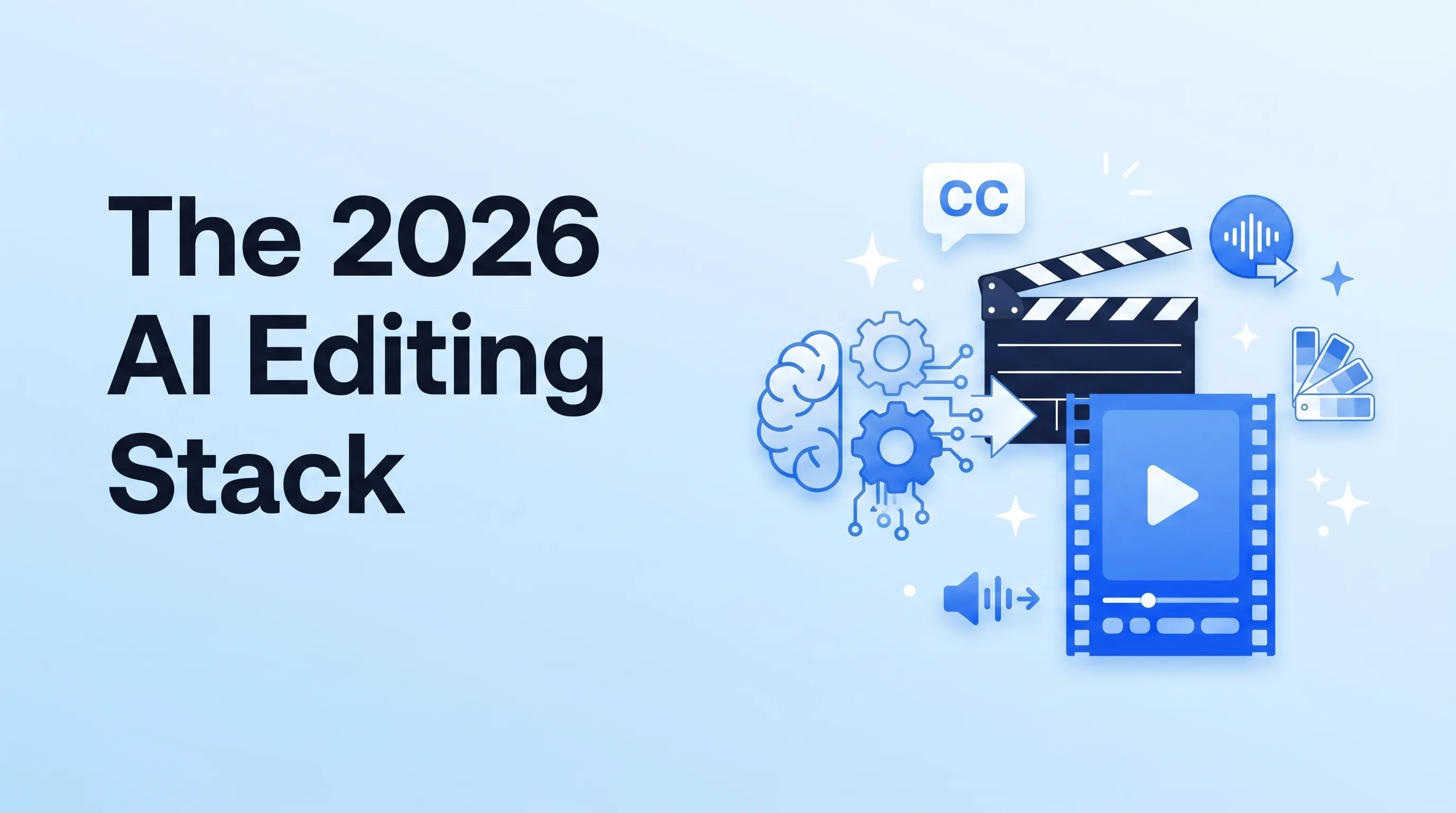
The AI Editing Hype Cycle
Every week a new AI video tool launches promising "edit a movie from a sentence." Most of them produce content YouTube's 2026 algorithm explicitly downranks as "AI slop". A few are genuinely production-ready and have become standard in our editing workflow at Mark Studios.
This is the stack we actually use across 10,000+ projects, and the tools we've quietly retired.
The Tier System
Three tiers based on what actually saves time without producing slop:
- Tier 1 — Daily-use in every edit
- Tier 2 — Situational when a specific task needs it
- Tier 3 — Avoid unless you want algorithmic punishment
Tier 1: The Daily-Use Tools
Descript — Editing as text
Descript lets you edit video by editing the text transcript. Cut a word from the script, the video cut happens automatically. For talking-head and podcast content, this saves 60–80% of editing time vs. timeline editing in Premiere or Resolve. It's the single biggest workflow change we've adopted in the past three years.
What it doesn't do well: complex motion graphics, multi-cam, or any precision work. Use it for the rough cut, polish in Premiere/Resolve.
CapCut Pro — Mobile + AI auto-captions
CapCut Pro (the paid tier) has the best auto-captions in the industry as of 2026. Better than Adobe's, better than YouTube's auto-CC. For short-form especially, this alone saves 20–30 minutes per video.
The free CapCut watermark is detected by TikTok and other platforms — pay for Pro if you're publishing professionally.
Adobe Sensei (in Premiere Pro) — Smart trimming
Premiere's Sensei AI features — Auto Reframe, Scene Edit Detection, Enhance Speech — have all matured. Auto Reframe alone is the reason we can repurpose a single 16:9 video into vertical 9:16 in 5 minutes instead of 45.
ElevenLabs — Voice cloning + dubbing
ElevenLabs is the standard for AI voice work in 2026. Two use cases:
- Pickup lines — when a creator forgot a sentence in their original take, we clone their voice and generate the missing line. Studio-quality, indistinguishable.
- Dubbing for content localization — translate a video into 5 languages with the creator's own voice. YouTube's multi-language audio feature makes this a major growth lever.
Disclosure best-practice: tell your audience when you've used voice cloning. The SAG-AFTRA AI guidelines treat this as ethically required for public content.
Topaz Video AI — Upscaling and frame interpolation
Topaz Video AI for upscaling old footage to 4K and smoothing 24fps footage to 60fps for slow-mo. Used selectively — overdoing the smoothing makes everything look like a soap opera.
Tier 2: The Situational Tools
Runway Gen-3 / Sora — Generative B-roll
Runway Gen-3 and OpenAI's Sora can now generate usable 5–10 second B-roll clips. Two situations where they earn their keep:
- Replacing stock footage when no stock matches the script (e.g., "show a future city in 2150"). Generative output is often better than the closest stock.
- Text-to-motion-graphics for explainer videos.
Don't generate full scenes with people in them — that's where the "AI slop" detection kicks in. Use generative output for backgrounds, abstract concepts, and inanimate B-roll only.
Whisper / OpenAI transcription — Caption correction
OpenAI's Whisper is open-source and produces the most accurate transcripts of any tool we've tested. For longer-form content where we need to correct YouTube's auto-CC, we run Whisper locally as the source-of-truth, then upload the corrected SRT.
Krea / Magnific — Thumbnail upscaling and image touch-up
For thumbnail design, Krea and Magnific handle face restoration and upscaling on screenshots. Saves the "manually trace and clean up the face in Photoshop" step.
AutoPod — Multi-cam podcast editing
AutoPod auto-cuts multi-camera podcast footage based on who's speaking. Game-changer for any 2-host podcast workflow. What used to be a 4-hour task is now 20 minutes of cleanup on top of the AI cut.
Submagic / Opus Clip — Long-form-to-shorts (used carefully)
Submagic and Opus Clip automatically extract Shorts/Reels-worthy moments from long-form videos. They're 70% as good as a human editor at picking moments — use them for the first pass on a 1-to-10 repurposing workflow, then have a human do final selection. Treating their output as final = slop.
Tier 3: Avoid
"AI YouTube channel automation" tools
Tools that promise to write the script, generate the voice-over, generate the visuals, and upload — all without a human in the loop. These produce exactly the content YouTube's anti-slop systems are designed to demote. As of Neal Mohan's 2026 letter, channels relying on this workflow are getting suppressed.
Generative full-scene tools used for A-roll
If your viewer can tell within 2 seconds that a person on screen isn't real, your retention drops a cliff. Generative people in A-roll content is a 2024 idea that 2026 viewers and algorithms reject.
"One-click full edit" services
Tools like Pictory and similar that turn a script into a finished video. Output looks like every other video produced by the same tool. Branding-zero. Generic. Avoid for any channel that wants long-term audience compounding.
How We Combine the Stack
A typical Mark Studios workflow on a long-form YouTube video:
- Descript for the rough cut from raw footage + transcript review
- Premiere Pro for the polish edit, B-roll layering, sound design
- Adobe Sensei Auto Reframe to spit out a 9:16 master
- CapCut Pro for short-form captions
- ElevenLabs for any voice pickups
- Topaz Video AI if we're working with older or low-res source material
- Submagic + human selection for the 8–10 repurposed Shorts/Reels
End-to-end this turns what used to be a 40-hour edit into roughly 12 hours. The savings come from AI handling the mechanical work — but the creative judgment (what cut, what music, what story shape) still has to be human.
The Disclosure Question
In 2026 the FTC AI disclosure guidance and platform rules increasingly require disclosure of AI-generated elements:
- YouTube requires disclosure of "altered or synthetic content" that's "realistic" — voice clones, AI-generated humans, deepfakes
- TikTok requires disclosure of AI-generated likenesses
- Meta requires "Made with AI" labels on synthesized content
Best practice: be loud about disclosure. Audiences trust creators who tell them what's AI and what isn't. Hiding it gets you a strike eventually.
The Bottom Line
AI is a tool, not a strategy. The creators winning in 2026 are using AI to accelerate the boring parts of editing (transcription, reframing, captions, captioning, basic upscaling) while keeping creative judgment human. The creators losing are letting AI write, voice, and visualize their content end-to-end and wondering why their channels are dying.
If you want our team to integrate these tools into your editing workflow, we typically deliver a custom AI-augmented production pipeline within 2–3 weeks.